How do I delete a photo or thought post?
You can delete your own photo and thought posts from their three-dot menu. The steps are the same for both types of post. The screenshots below show a thought post.
Deleting a post cannot be undone. Check that you have selected the right post and save anything you want to keep before confirming.
1. Find your post
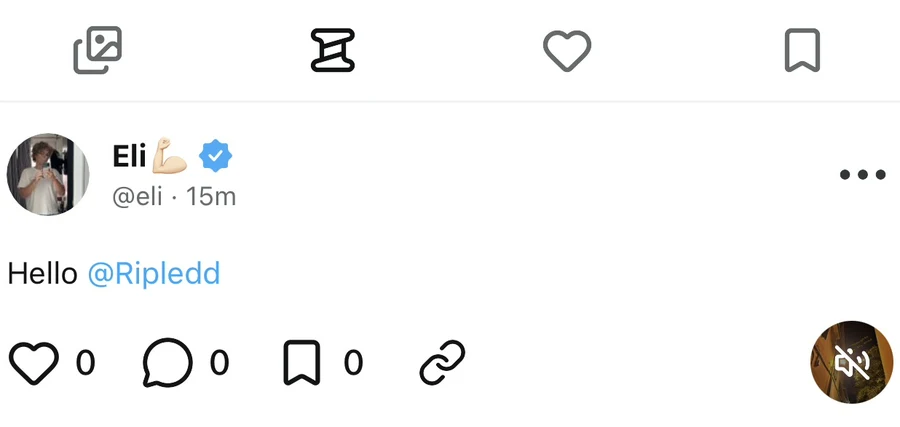
Tap your profile picture on the right side of the bottom navigation bar. On your profile, select the photo tab for photo posts or the thought tab for thought posts. Find the post you want to delete and open it.
The photo tab uses the stacked-picture icon. The thought tab is immediately to its right and is selected in the screenshot below.
2. Open the post menu
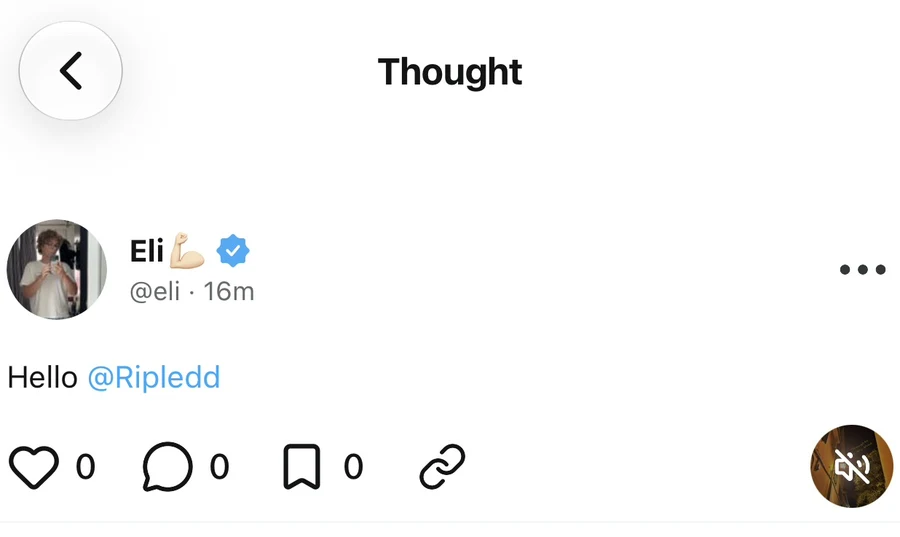
Tap the three dots at the top-right of the post, beside the author details. You can also open this menu directly from a post wherever its three-dot button is shown, including the thought list on your profile.
3. Choose Delete
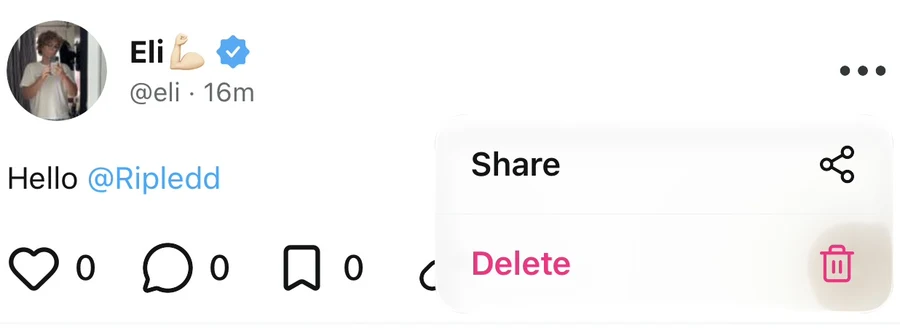
Tap Delete in the menu. It appears below Share and has a trash icon. This opens a confirmation prompt.
4. Confirm deletion
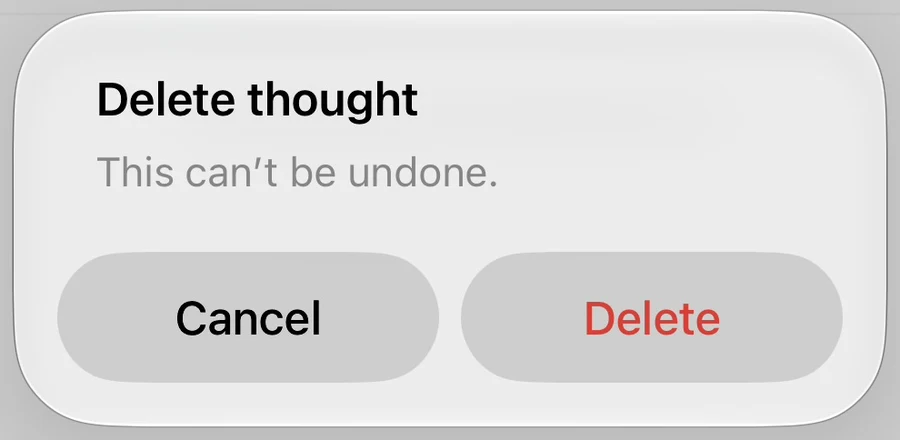
The prompt is titled Delete post for a photo post or Delete thought for a thought post. Read the message, then tap Delete to confirm. Tap Cancel if you want to keep the post.
Why do I not see Delete?
The Delete option is available for posts you published. Check that you are signed in to the account that created the post. If you use more than one Ripledd account, switch to the correct one and open the menu again.
For someone else’s post, the menu offers Report instead of Delete.
What if deletion fails?
If the app cannot delete the post, it shows an error and restores the post to view. Try again. If the problem continues, contact the Support Center with the post link and the error message.
Still stuck? Head to the Support Center and send us the details.