How do I reset my password?
If you have forgotten your password, you can reset it from the sign-in screen in the Ripledd app. You will need access to the email address linked to your account.
1. Choose Continue with Email
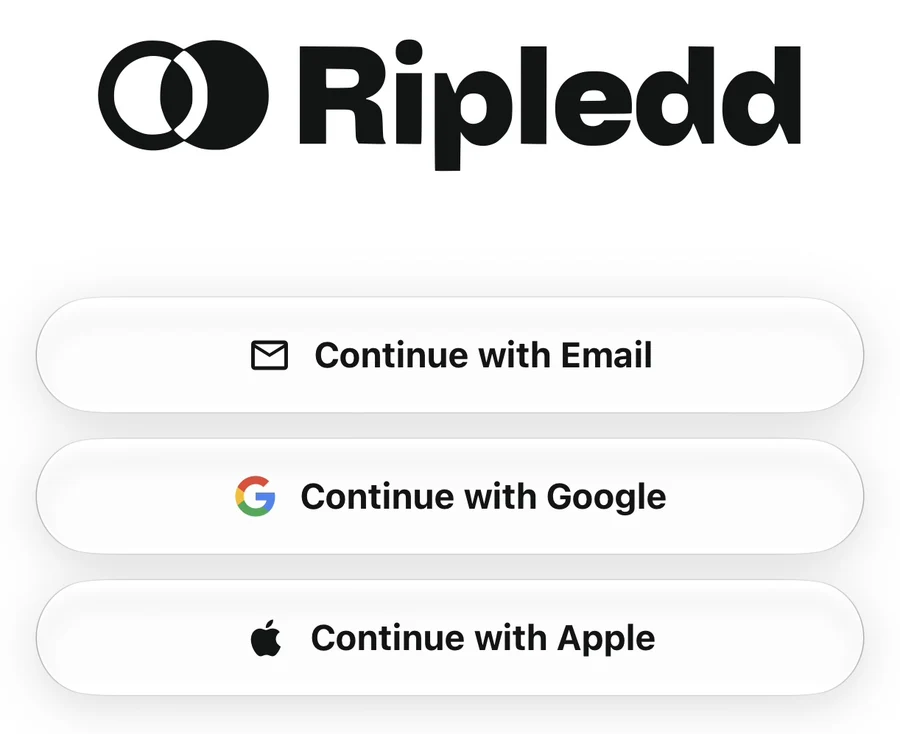
Open Ripledd and tap Continue with Email on the welcome screen.
2. Enter your account email
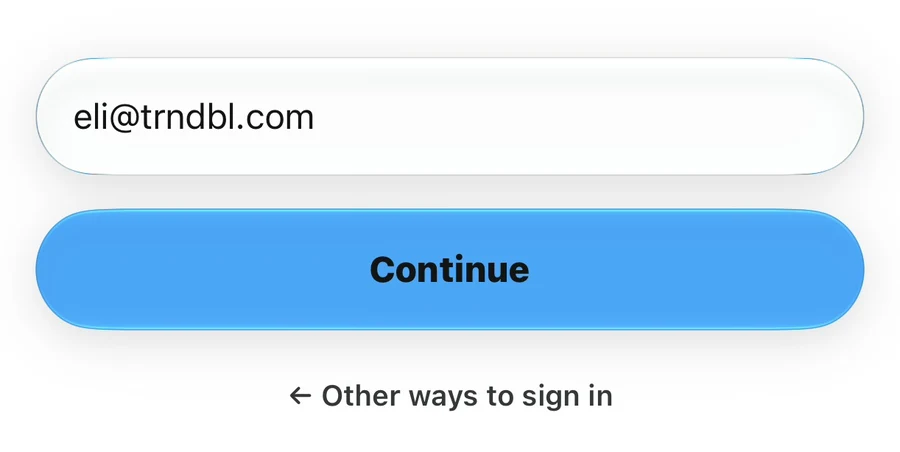
Enter the email address linked to your Ripledd account, then tap Continue. Check the address for typing mistakes before continuing.
3. Tap Forgot password?
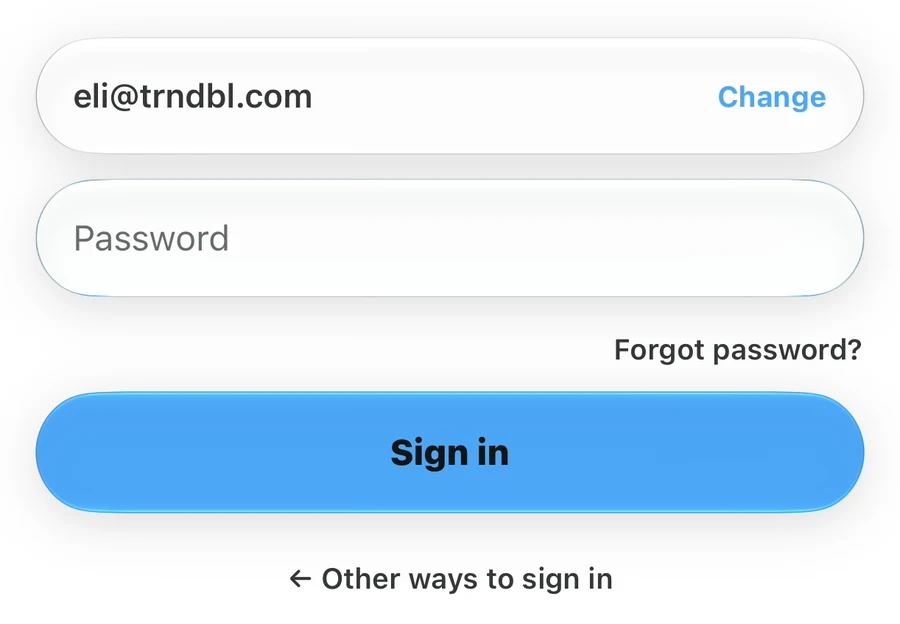
On the password screen, check that the displayed email address is correct. Tap Change if you need to correct it. Then tap Forgot password? below the password field to request a reset code. You do not need to enter your old password.
4. Verify your email
Open your email inbox and find the password reset email from Ripledd. Return to the app, enter the 6-digit code, and tap Verify. Your phone may offer to fill in the code from the email automatically.
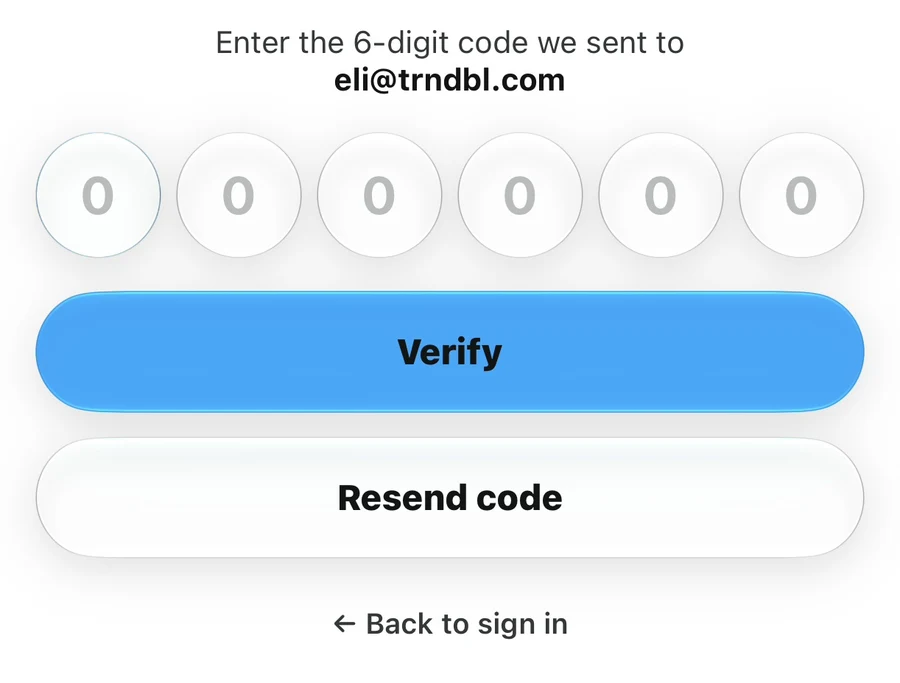
If the email has not arrived, check your spam or junk folder and confirm that the address shown in the app is correct. Tap Resend code to request another email. If you request a new code, use the most recent one.
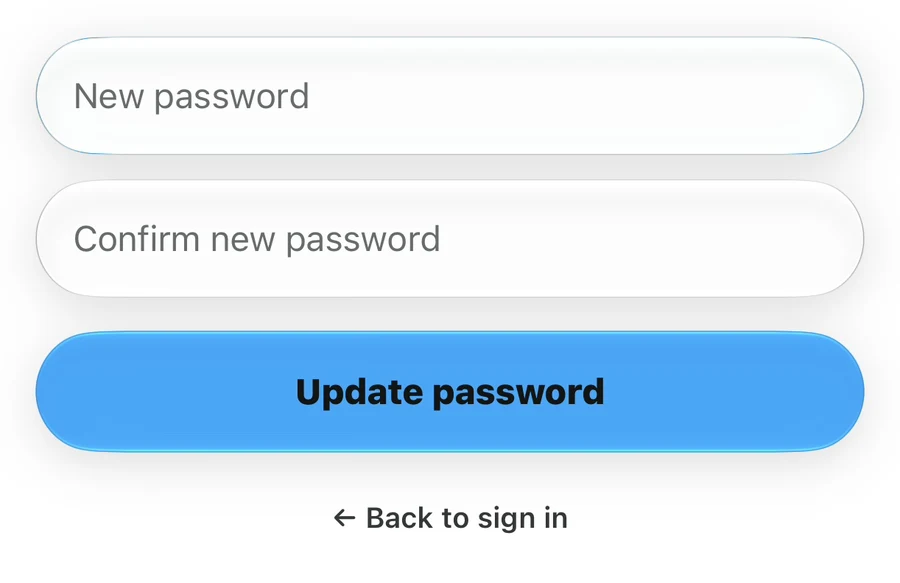
5. Set a new password
Enter your new password in New password, then enter it again in Confirm new password. Both entries must match. The app requires at least 6 characters. Choose a unique password that you do not use for another account.
Tap Update password to save it.
6. Sign in with your new password
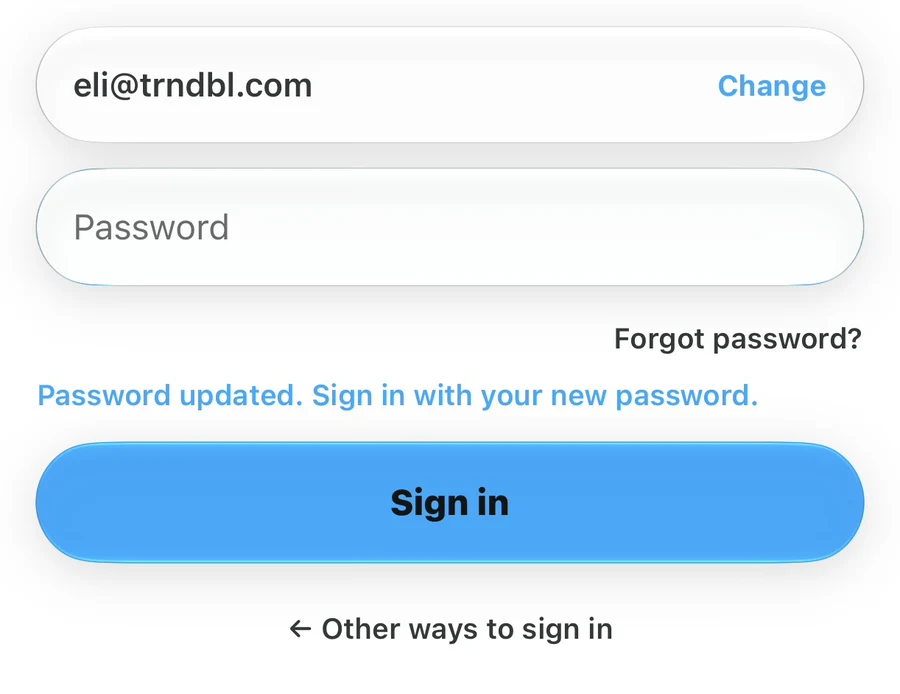
After the update, the app returns to the sign-in screen and shows Password updated. Sign in with your new password. Enter your new password and tap Sign in. If this account has no recorded acceptance of the current Terms, review and accept them once after authentication. Optional analytics and email choices are in Settings → Privacy & emails, not the login flow.
Still having trouble?
If a code is rejected, request a new one and try again. If you cannot access your account email or the reset still fails, contact the Support Center. Include the step where you got stuck and any error message shown. Never send your password or verification code.
Still stuck? Head to the Support Center and send us the details.