How do I report a post?
If you see a post that you believe needs our team’s attention, you can report it directly in the app. These steps work for both photo posts and thought posts. The example below shows a photo post.
1. Open the post’s menu
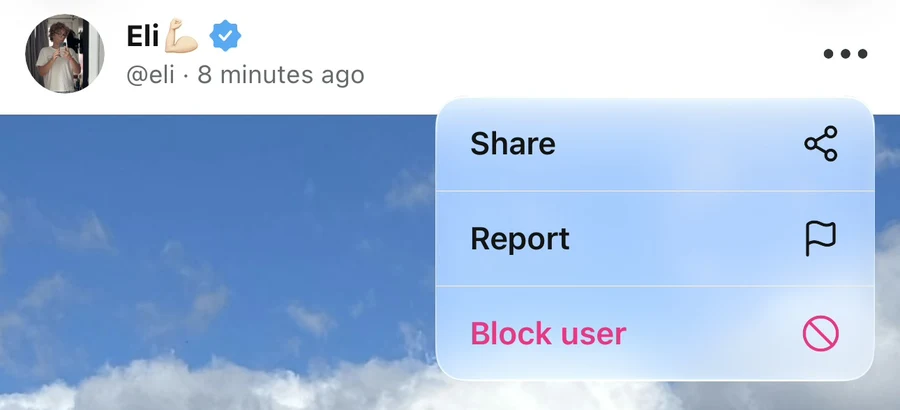
Find the post you want to report in your feed or open it from a profile. Tap the three dots at the top-right of the post, beside the author details. Check that you are opening the menu for the post you intend to report.

2. Choose Report
Tap Report, marked with a flag icon. It appears below Share in the menu.
3. Confirm the report
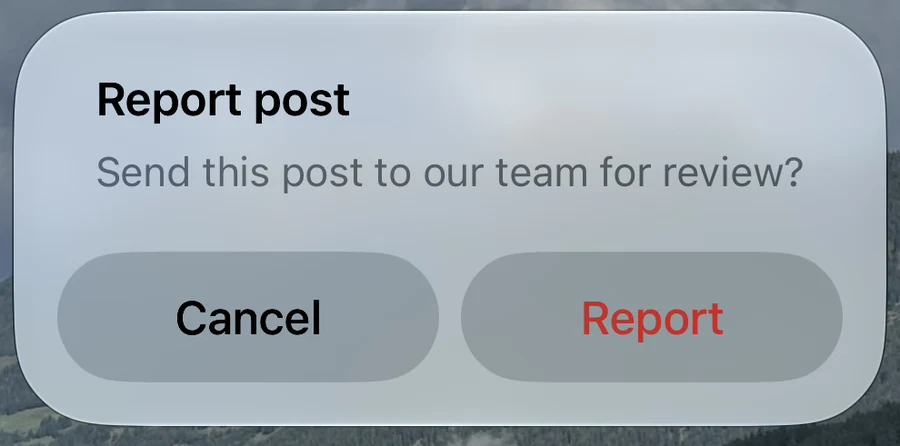
The Report post prompt asks whether you want to send the post to our team for review. Tap Report to submit it, or Cancel to return without sending a report.
4. Check the confirmation
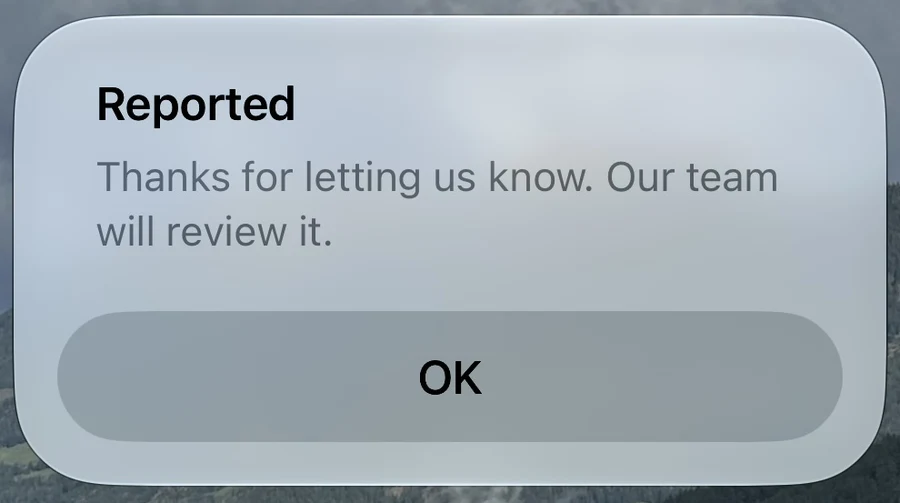
After the report is submitted, the app shows Reported with the message Thanks for letting us know. Our team will review it. Tap OK to close the message.
What happens next?
Your report sends the post to our team for review. If you need to explain the issue in more detail, use the Support Center and include the post link, the author’s username, and a clear description of your concern. The Share option in the post menu lets you share the post’s link.
Why do I not see Report?
On your own posts, the menu shows Delete. To report a post, open the menu on a post published by another account. If you want to remove your own content, see How do I delete a photo or thought post?.
What if the report does not send?
If the app shows Could not send report, check your internet connection and try again. If the problem continues, contact the Support Center with the post link and the error message. Do not include passwords or verification codes.
Still stuck? Head to the Support Center and send us the details.