What is the difference between a photo post and a thought post?
Use a photo post when the photos are the main thing you want to share. Use a thought post for an update, question, or idea. Thoughts can also include photos and a poll.
Compare the two formats
| Feature | Photo post | Thought post |
|---|---|---|
| Photos | 1 to 10 photos | Optional, up to 4 photos |
| Text | Optional caption below the photos | Up to 500 characters, shown above any attached photos |
| Polls | Not available | Optional |
| Music | Optional | Optional |
| Profile location | Photo tab, displayed in a grid | Thought tab, displayed in a list |
Photo posts
A photo post puts your images first. You can share a single photo or a set of up to 10 photos, with an optional caption beneath them. When a post contains several photos, people can swipe through the set. The dots below the image show which photo is currently visible.
Choose this format for a collection of travel photos, a moment from your day, or anything you want people to see before they read the caption. The photo creator lets you adjust the crop and rotation before publishing.
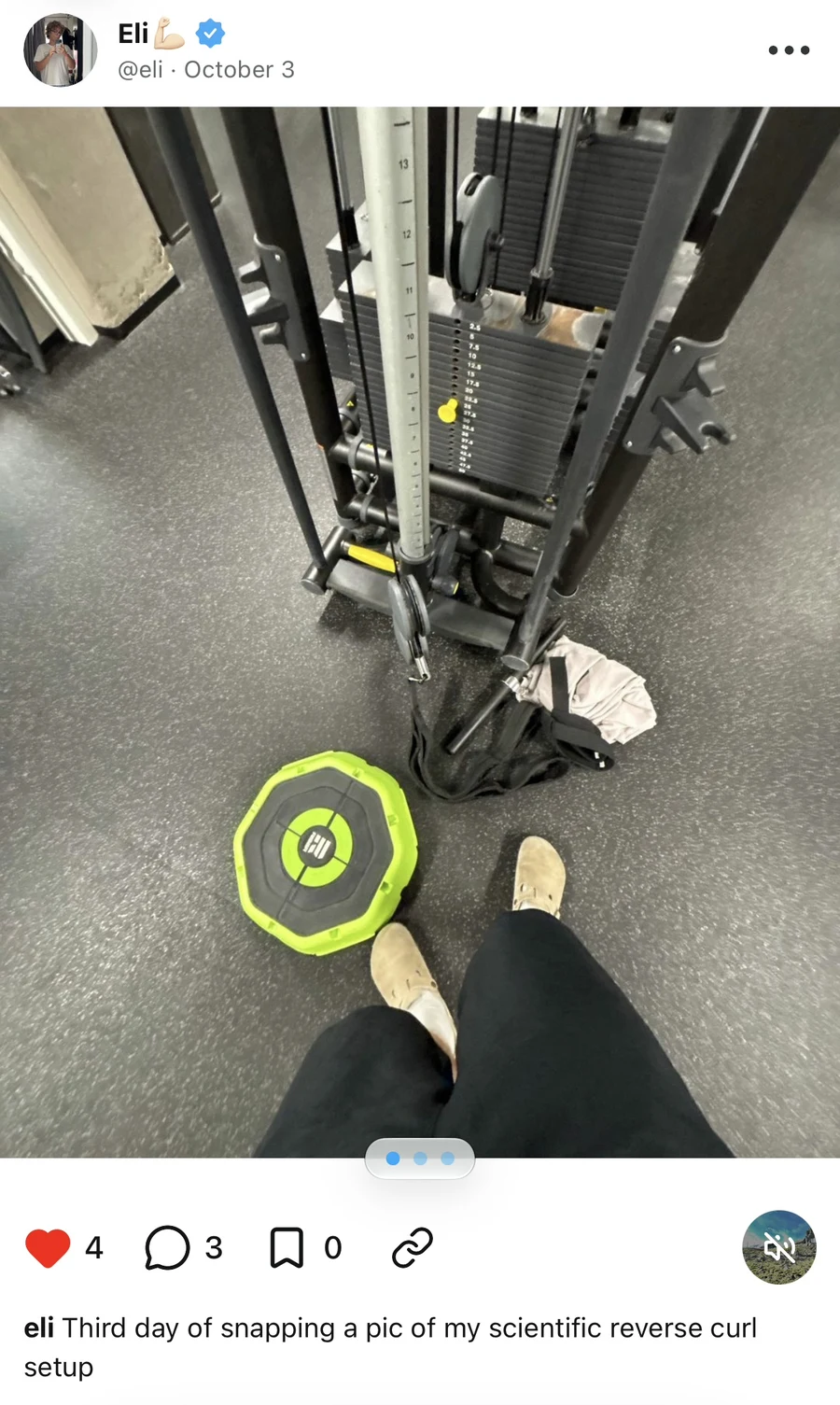
For the full walkthrough, see How do I create a photo post?.
Thought posts
A thought post puts your message first. You can write up to 500 characters and publish without a photo. You can also attach up to 4 photos, add a poll, or include music.
Choose this format to ask a question, share an opinion, or start a conversation. The example below asks Do you like polls? and shows the results of a poll that has ended. Replies appear beneath the thought.
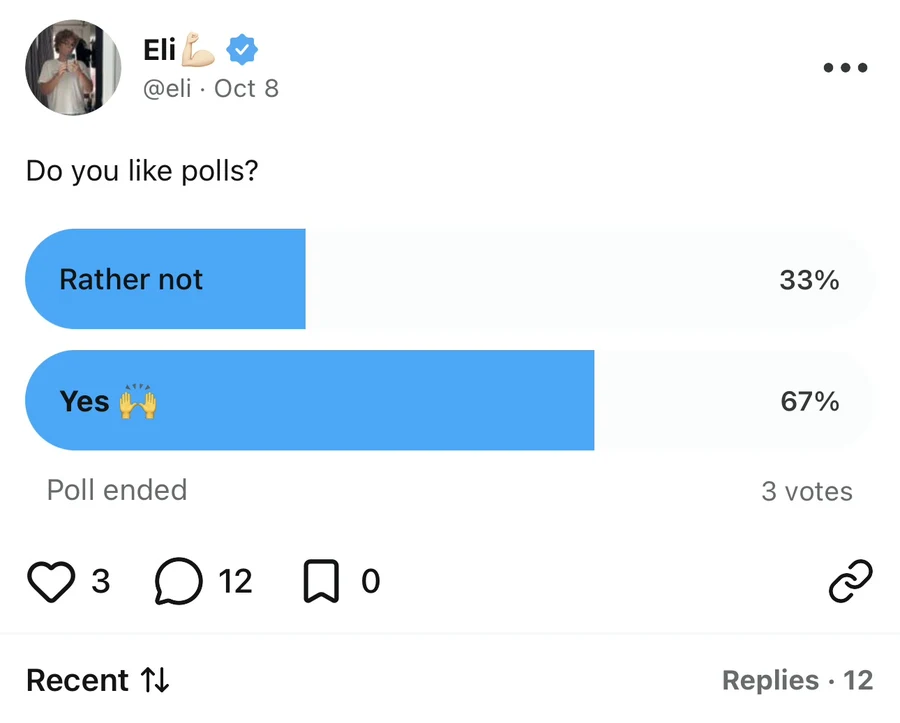
For the full walkthrough, see How do I create a thought post?.
What do they have in common?
People can like, comment on or reply to, bookmark, and share both types of post. Both can include music, and you can delete your own posts through their three-dot menu.
On your profile, use the stacked-picture icon to find photo posts. The thought tab is immediately to its right.
How do I choose a post type?
Open the creator using the + button on your profile. It starts in Photo mode. Stay there to choose photos, or tap Thought in the switch at the top to write a thought.
Adding a photo to a thought does not make it a photo post. The format you choose in the creator determines how the post is displayed and which profile tab it appears in.
Still stuck? Head to the Support Center and send us the details.